

Instrument 6001 — KM Calibration Tool
New solution for all Cars, Bikes & ATVs and Trucks — guided step by step, calibrate Abs Km.
Get started with Instrument 6001
Buy once, use forever. Purchase your license and download the software — enter your Client ID below for instant activation, or activate with the code we email you. Then calibrate as many vehicles as you need.
Your Client ID — optional, for instant activation
Find it in your OBD Portal software after logging in. With a Client ID your license activates automatically after purchase — no code needed. Leave blank and we’ll email you an activation code instead.
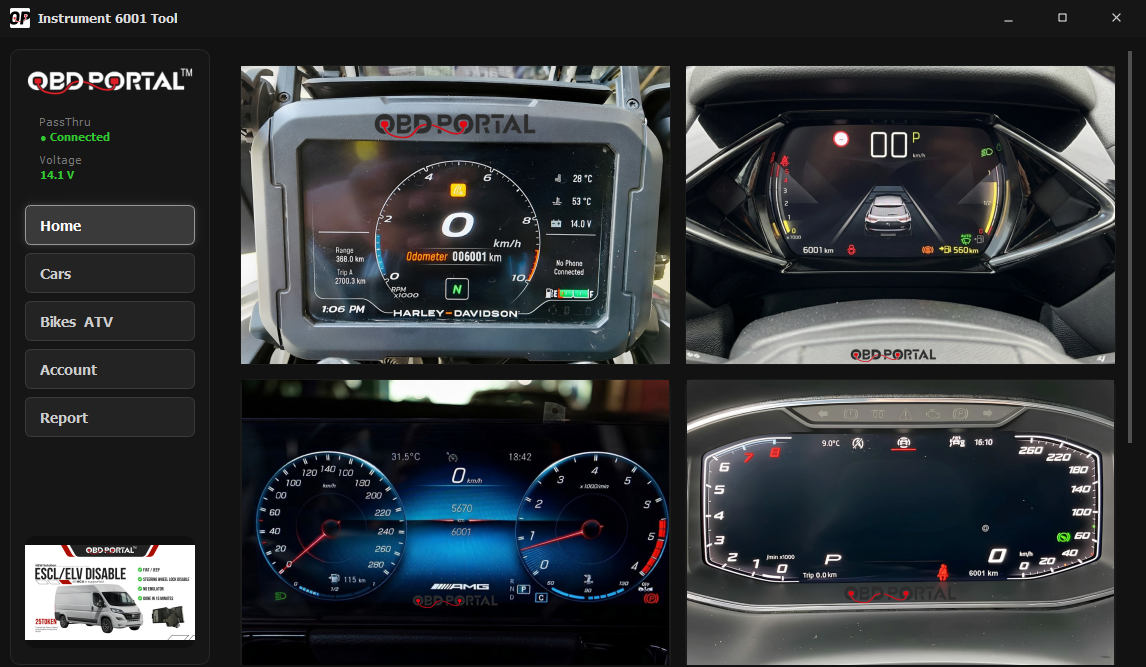
All vehicles supported — even brand-new 2026 models
There are no brand or model-year limits, because Instrument 6001 doesn't touch the vehicle's software — it simulates the ABS sensor signal to calibrate. If the vehicle has an ABS sensor, it works — including the newest 2026 vehicles.
KM calibration. Nothing else.
Instrument 6001 is a professional Windows desktop tool for workshop technicians and mobile mechanics — connected through your J2534 PassThru device in the diagnostic port, no cluster removal.
Built for speed and clarity: pick the vehicle, run the job, watch the status. The software guides every calibration step by step with plain-language prompts — no technical clutter on screen.
Select the brand, model & year and press Start Analyzing — the software checks whether the CAN bus line you've connected carries potential ABS sensor data. For the best signal we recommend connecting directly on the dashboard cables.
Then turn the wheels with your hands so the software can see the exact ABS sensor data — the simulation starts, and you speed up and slow down straight from the software.
Where a model isn't listed, the "Others.." entry lets you run the job with manual vehicle entry.
Cars, bikes & ATV, trucks
Pick a category, choose the brand from the logo grid, then the model — or "Others.." for manual entry.
Guided, step by step
Clear on-screen prompts and status at every moment — just what to do, never raw technical output.
Compatible with all vehicles
Cars, bikes & ATVs and trucks — one license covers them all.
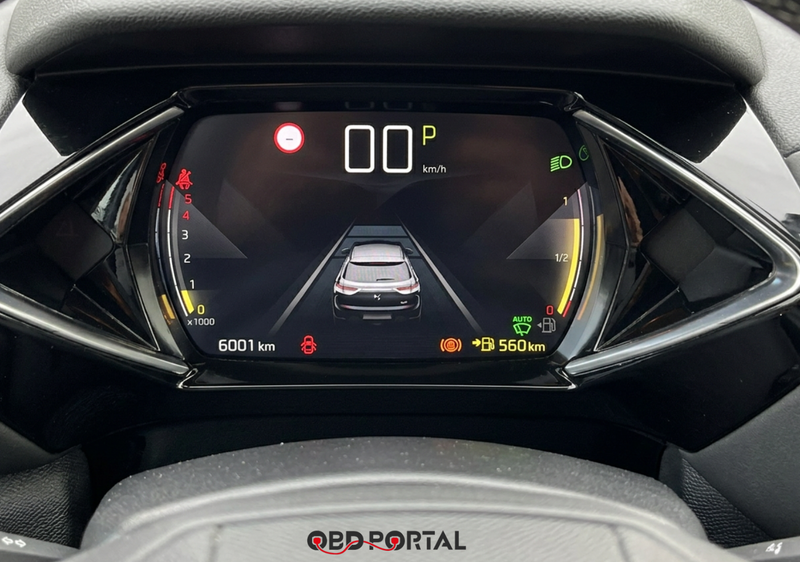
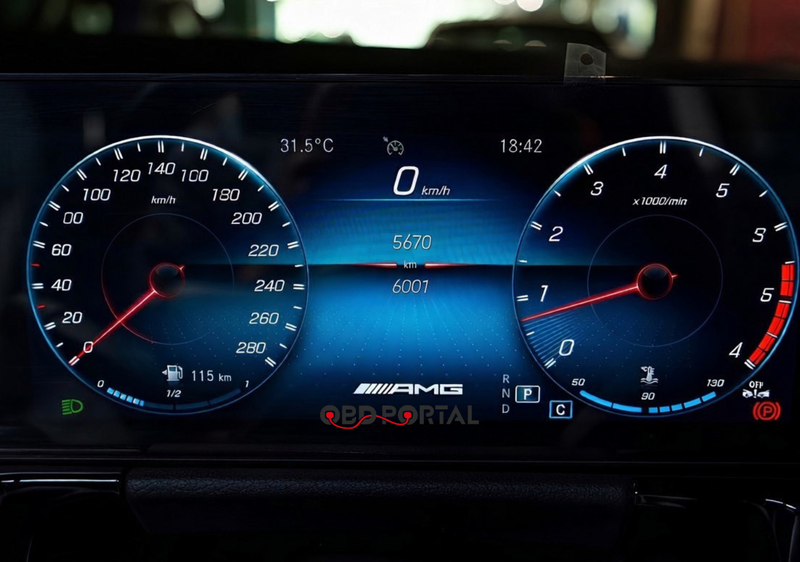
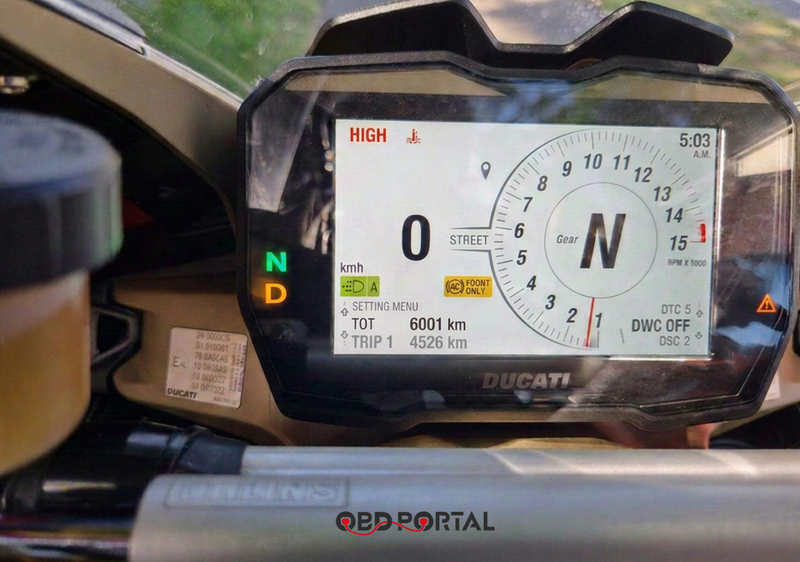
Calibrated with Instrument 6001 Tool
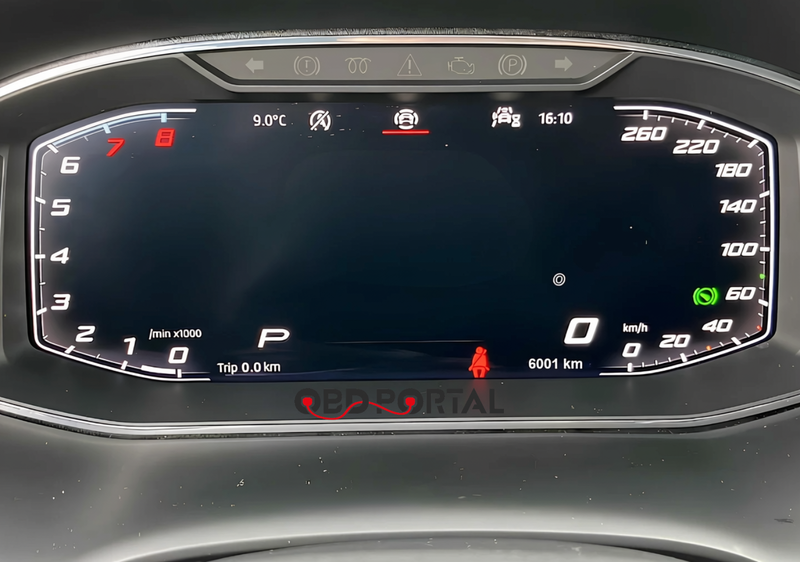
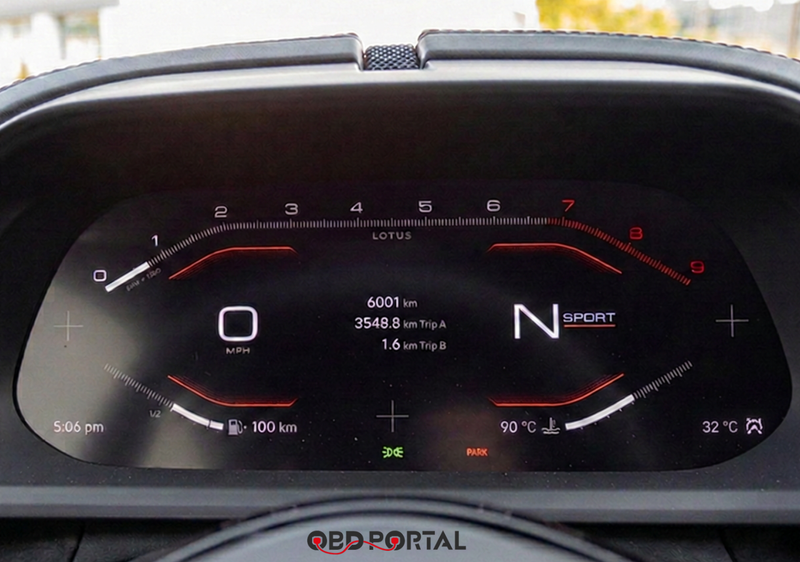
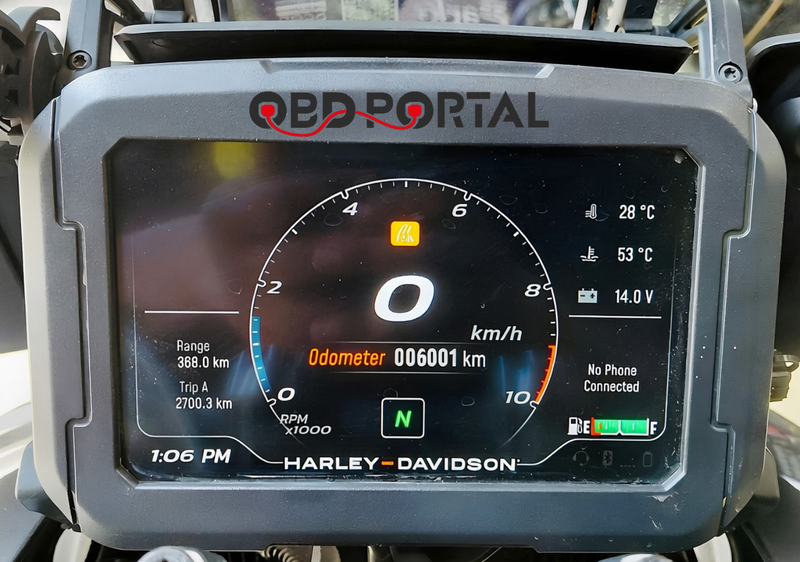
From login to calibrated — seven steps
Everything in the app is built around one job: run the calibration fast, with a clear status at every moment. Click a step to expand it.
The app confirms your lifetime license automatically. First launch on a new machine? Enter your activation code once — done forever.
A showcase screen with the latest video and catalogue highlights — always up to date, no app update needed.
Cars or Bikes & ATV — straight from the sidebar.
Brand logo grid → model list → year. Model not listed? Use the "Others.." card for manual entry.
The software checks whether the CAN bus line you've connected carries potential ABS sensor data. For the best signal we recommend connecting directly on the dashboard cables.
The software asks you to turn the wheels so it can see the exact ABS sensor data of your vehicle.
Instrument 6001 simulates the ABS sensor signal. Control the speed from the software, with a clear status until the job is finished. Keep in mind this process can take hours — the speed of the procedure varies with the maximum speed of the vehicle's ABS sensor, the KM difference, and more.
Not sure if your vehicle is supported? Message us on WhatsApp.
Instrument 6001 is intended for legitimate calibration work only — e.g. after instrument-cluster repair or replacement. The customer is responsible for complying with the laws of their country.